Open settings#
Open the three-line menu beside the map and select Settings. It opens on Appearance. You can keep the defaults while finding your first sailing window, then return here to personalise the view and planning assumptions.
| Tab | What you can change |
|---|---|
| Appearance | Dark/Light mode and the weather colour theme. |
| Planning | Comfort preference, motoring, the boat used for routing and its performance adjustment. |
| Polars | Add, inspect, rename or delete custom boats. |
| Units | The units used for displayed measurements and planning inputs. |
Choose the appearance#
Select a thumbnail under Dark/Light mode:
- System follows your device's light or dark appearance.
- Light keeps the light interface.
- Dark keeps the dark interface.
Under Weather theme, choose Standard or Marine. This changes the weather colours, including the illustrations in Planning. It does not change the forecast values or route calculations. Weather theme lives here; forecast layers and models are still chosen in the map's Weather controls.
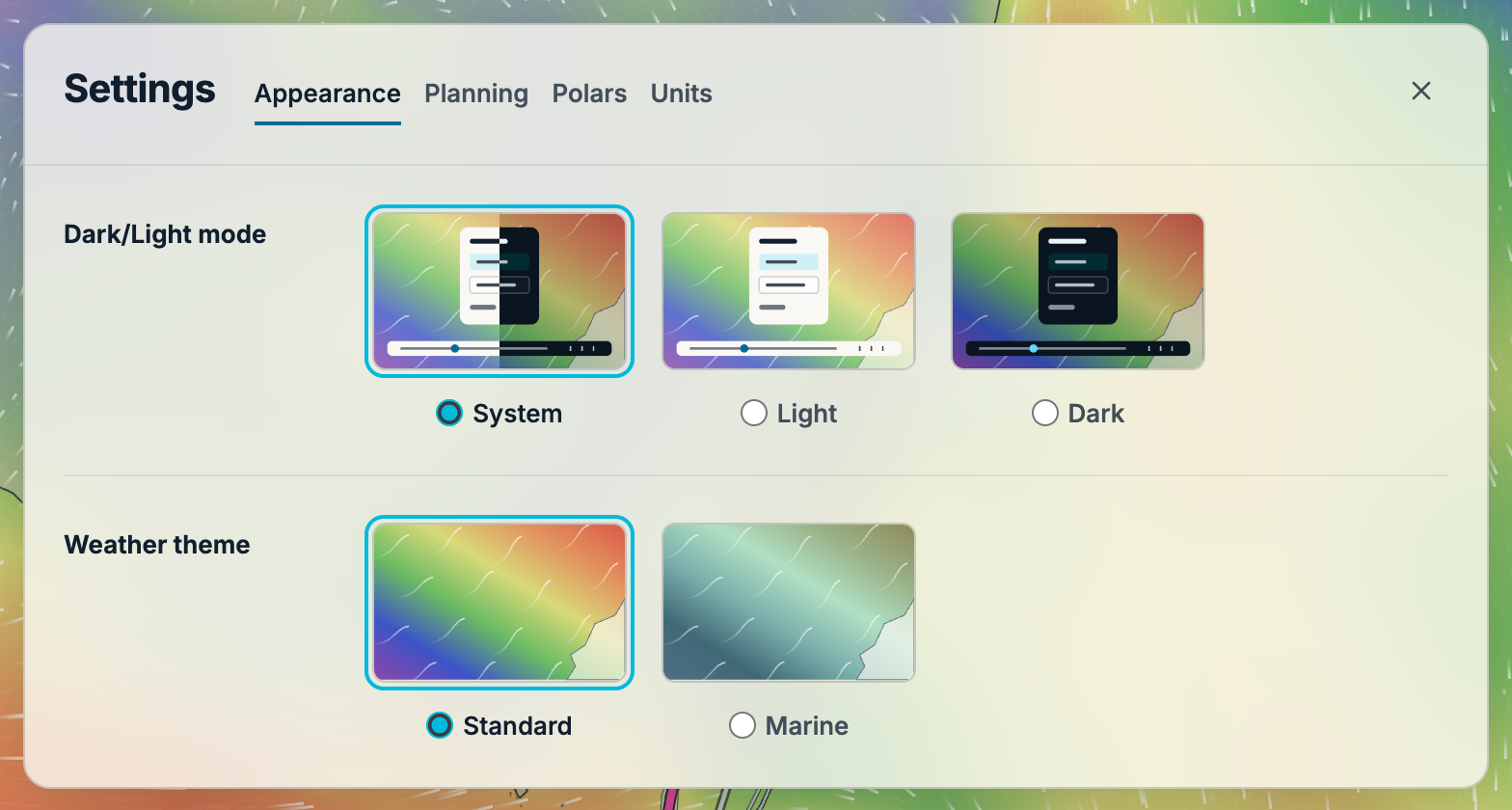
The thumbnail and its radio button select the same option. With a keyboard, focus a choice and use the arrow keys to move between options.
Set planning preferences#
Use Planning to choose Gentler, Balanced or Tolerant, check motoring assumptions and select Boat to use for routing. The Polar diagram button beside the performance field opens a chart over Settings; on narrow screens it appears as a small radius icon.
Boat and comfort settings walks through these choices. Polars manages the custom boat library; after importing a boat, choose it in Planning when you want to use it for routing.
Choose measurement units#
In Units, choose temperature, distance, wind speed, boat and current speed, wave height, pressure and rainfall units. Wind speed and Boat and current speed are separate choices.
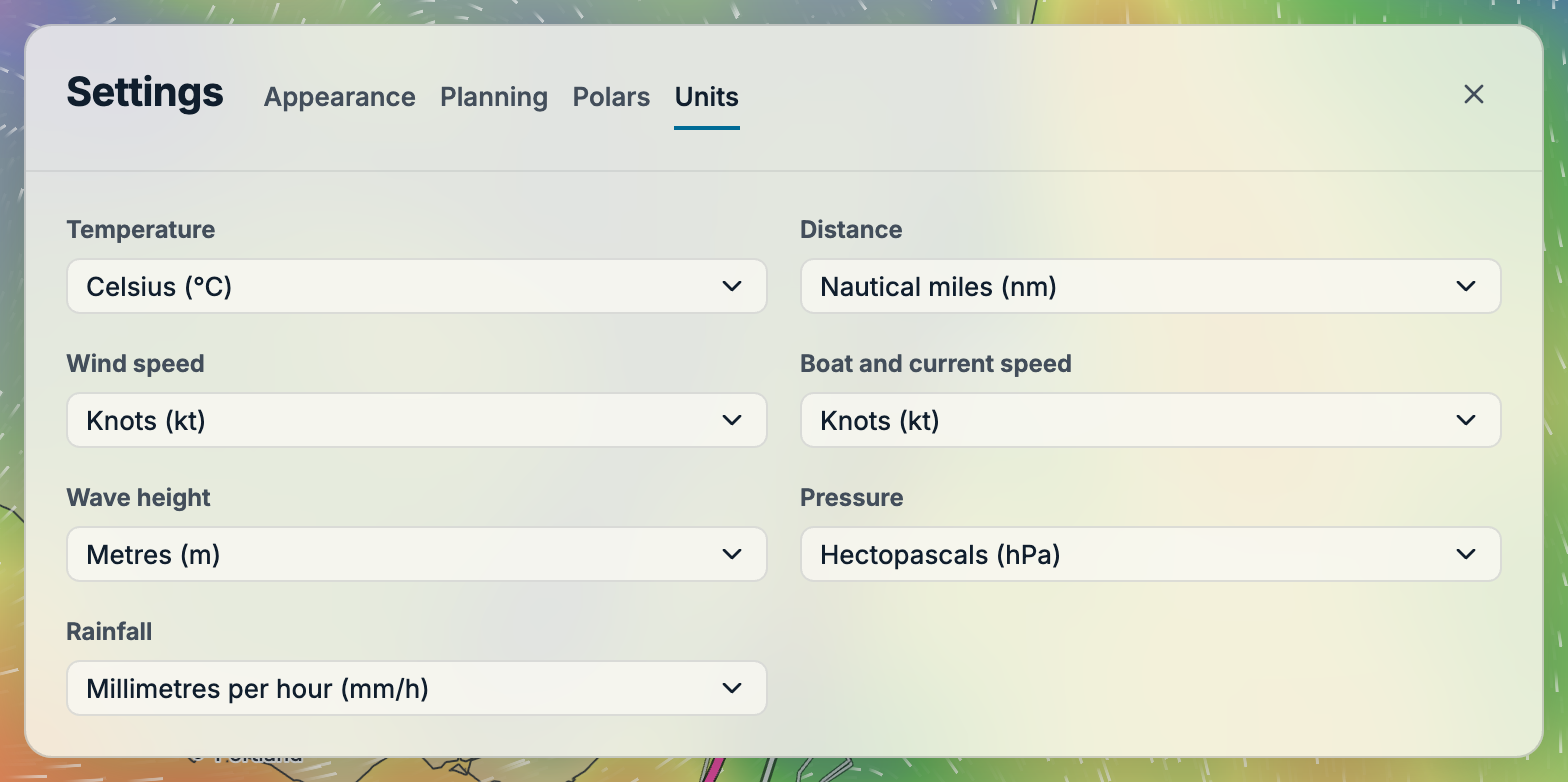
Changing units converts the displayed readings and inputs; it does not change the underlying weather or boat performance. For example, a motoring speed entered in knots is shown at the equivalent speed after switching to km/h.
These preferences are remembered in this browser. See Saved data and offline use for storage and backup limits.
Find the privacy policy#
Select Privacy policy directly from the three-line menu. It opens the policy page in a new tab.